

Appearance
Knative Services
prokube exposes Knative Serving for running auto-scaling containerised HTTP services in your workspace.
Knative documentation
Upstream references:
When to Use Knative Directly
Knative Serving runs any HTTP container with automatic scaling, including scale-to-zero. Use it to host classic microservices – REST APIs, web apps, background workers, or any HTTP workload that does not fit a higher-level abstraction.
The platform provides dedicated solutions for common workload types. Prefer those over a plain Knative service:
| Workload | Use instead |
|---|---|
| ML model inference | KServe InferenceServices – model runtimes, storage, inference protocols, automatic /svc/serving/... URL |
| LLM serving (vLLM, HuggingFace) | AgentOps documentation – OpenAI-compatible endpoints, GPU scaling, dedicated runtimes |
| MCP servers | MCP Servers – tool-provisioning protocol with lifecycle management |
KServe InferenceServices and Knative services share the same external path family, /svc/serving/<workspace>/<name>. A Knative service therefore cannot use the same name as an InferenceService in the same workspace.
| Aspect | KServe InferenceService | Knative Service |
|---|---|---|
| Use case | ML model inference | Any HTTP container |
| External URL | Automatic /svc/serving/... | Automatic /svc/serving/... |
| Model storage | Built-in (S3, MLflow, HTTP) | Manual |
| Inference protocol | V1 / V2 built-in | Custom |
| UI page | Models | Knative Services |
Get Started
Deploy the official Knative hello world sample – no container image to build.
1) Create the Service
The example uses gcr.io/knative-samples/helloworld-go – a public image that responds with Hello World! on any request. Paste this manifest into the YAML tab of the Deploy Service wizard and click Deploy from YAML:
yaml
apiVersion: serving.knative.dev/v1
kind: Service
metadata:
  name: hello
spec:
  template:
    spec:
      containers:
        - image: gcr.io/knative-samples/helloworld-go
          ports:
            - containerPort: 8080
Or save it as hello.yaml and apply it from a Lab terminal:
sh
kubectl apply -f hello.yaml2) Test the Service
After submitting, a new entry appears in the Knative Services list. Once its status shows Ready, the service is reachable from inside the cluster. In a Lab terminal, run:
sh
curl http://hello.<namespace>.svc.cluster.localExpected response: Hello World!
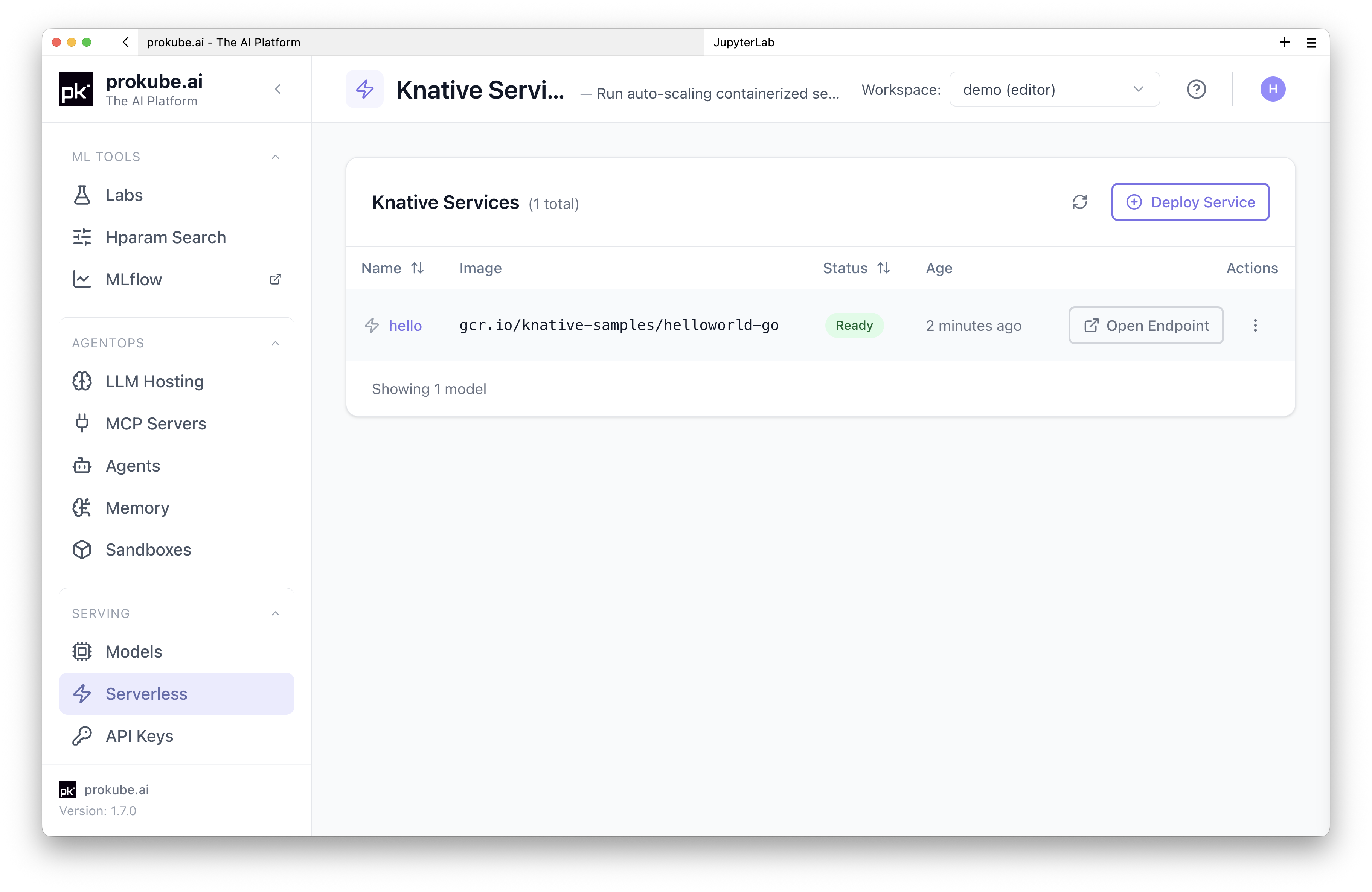
The Knative Services list shows the hello service with a Ready status. Open its detail page to inspect the service further.
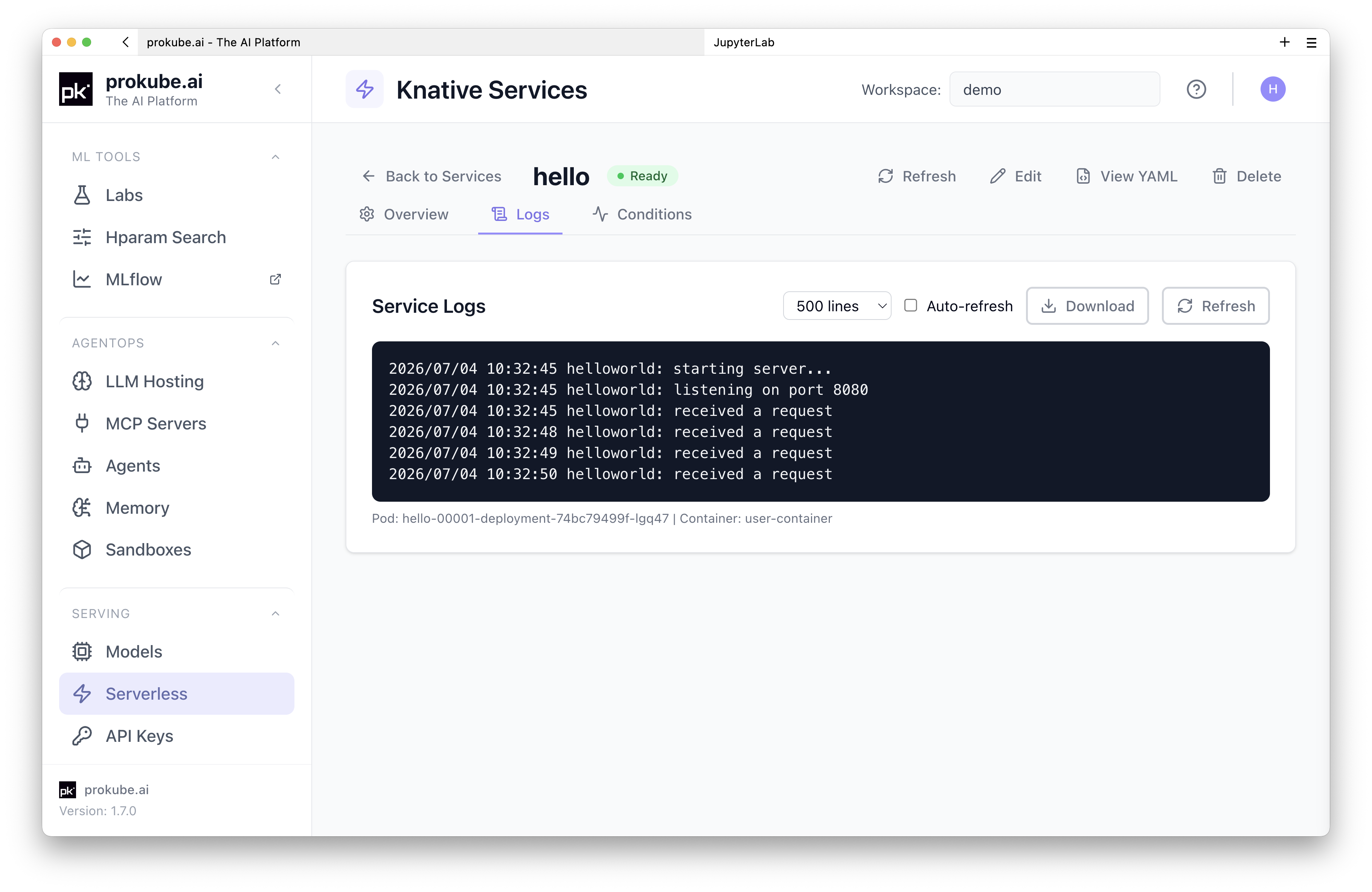
The Logs tab streams pod logs for the service instance.
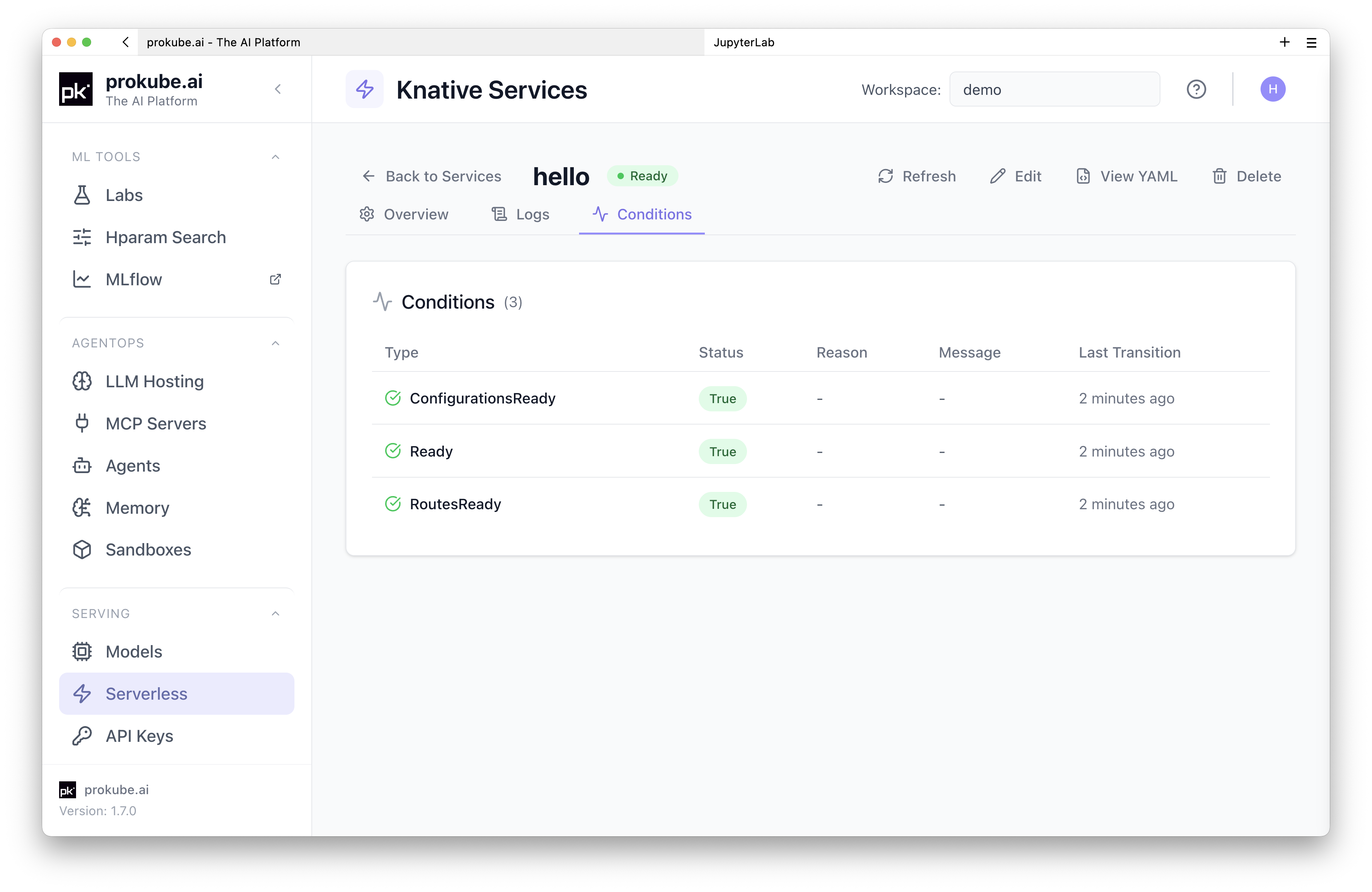
The Conditions tab shows the Knative service readiness conditions.
For your own services, build a container image that listens on the port declared by Knative's PORT environment variable (default 8080). You can build and push images from a Lab – the prokube-maintained notebook images include Docker CLI and Buildx with a remote BuildKit service.
Knative can run any HTTP container. Upstream Knative provides samples for common languages and frameworks; one of the most straightforward patterns is a FastAPI service – define a few routes, build a container, and deploy it as a Knative service.
Call the Service from Outside the Cluster
Agent Gateway exposes every Knative service in the workspace automatically, with no extra routing resources:
text
https://<your-prokube-domain>/svc/serving/<workspace>/<service-name>External requests need an API key scoped to the service. On the API Keys page, create a key and select the Knative service under Select Services. Then call the hello service from the example:
sh
curl "https://<your-prokube-domain>/svc/serving/<workspace>/hello" \
  -H "Authorization: Bearer <api-key>"
If the key was created with the x-api-key format, send -H "x-api-key: <api-key>" instead.
Access Notes
Inside the cluster, call the Knative service directly through its internal URL (<service-name>.<namespace>.svc.cluster.local). From outside, requests to /svc/serving/* go through Agent Gateway and require an API key. See API Keys for details.
From a Lab terminal, test the hello service with:
sh
curl http://hello.<namespace>.svc.cluster.localScaling
Knative scales automatically based on HTTP request concurrency. The defaults work for most services. To prevent scale-to-zero, set the minimum number of instances:
yaml
spec:
  template:
    metadata:
      annotations:
        autoscaling.knative.dev/min-scale: "1"
See the upstream Knative autoscaling documentation for detailed options.
Troubleshooting
Check the service status from the Conditions tab in the UI or via kubectl:
sh
kubectl describe ksvc helloCommon causes:
- Image pull errors – verify the image reference and registry credentials.
- Container crash loop – check pod logs from the Logs tab.
- Not becoming ready – the container must listen on the port declared by
PORT. Verify the application binds to0.0.0.0and the correct port. - External URL returns 404 – verify the workspace and service name in the
/svc/serving/<workspace>/<service-name>path, and that the service is Ready. - External URL returns 401 – missing or invalid API key. See API Keys.