

Appearance
RStudio
RStudio Labs provide a browser-based R development environment inside a prokube workspace.
RStudio documentation
Upstream reference: RStudio documentation
Use RStudio when your workflow is centered around R packages, statistical analysis, reports, or notebooks that benefit from an R-native IDE.
Getting Started
Create an RStudio Lab from the Labs page. The launch dialog uses the same basic options as other Labs: name, image, compute resources, storage, configurations, and security options.
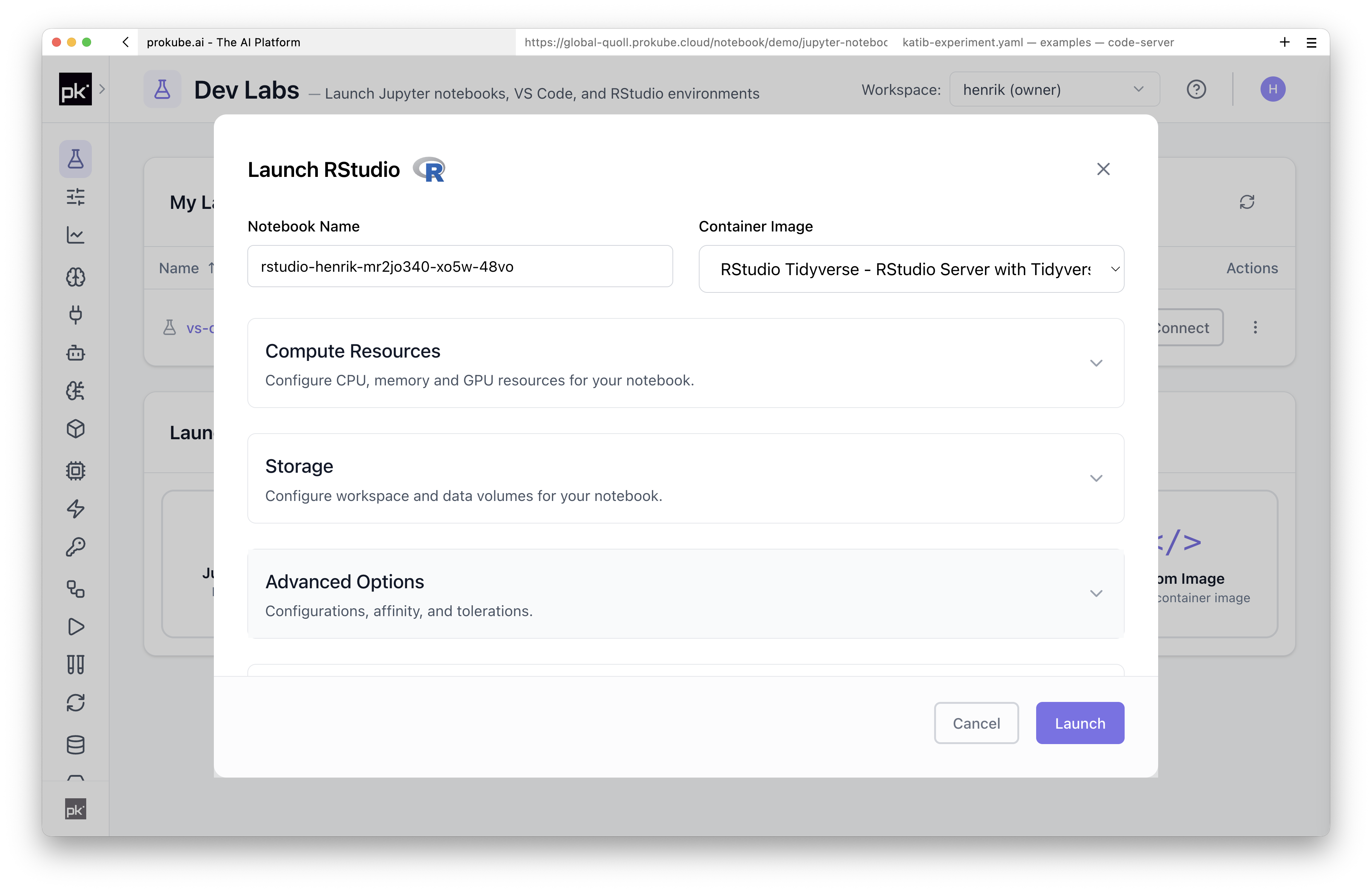
The selected image defines the R version, installed R packages, system libraries, and command-line tools available when the Lab starts.
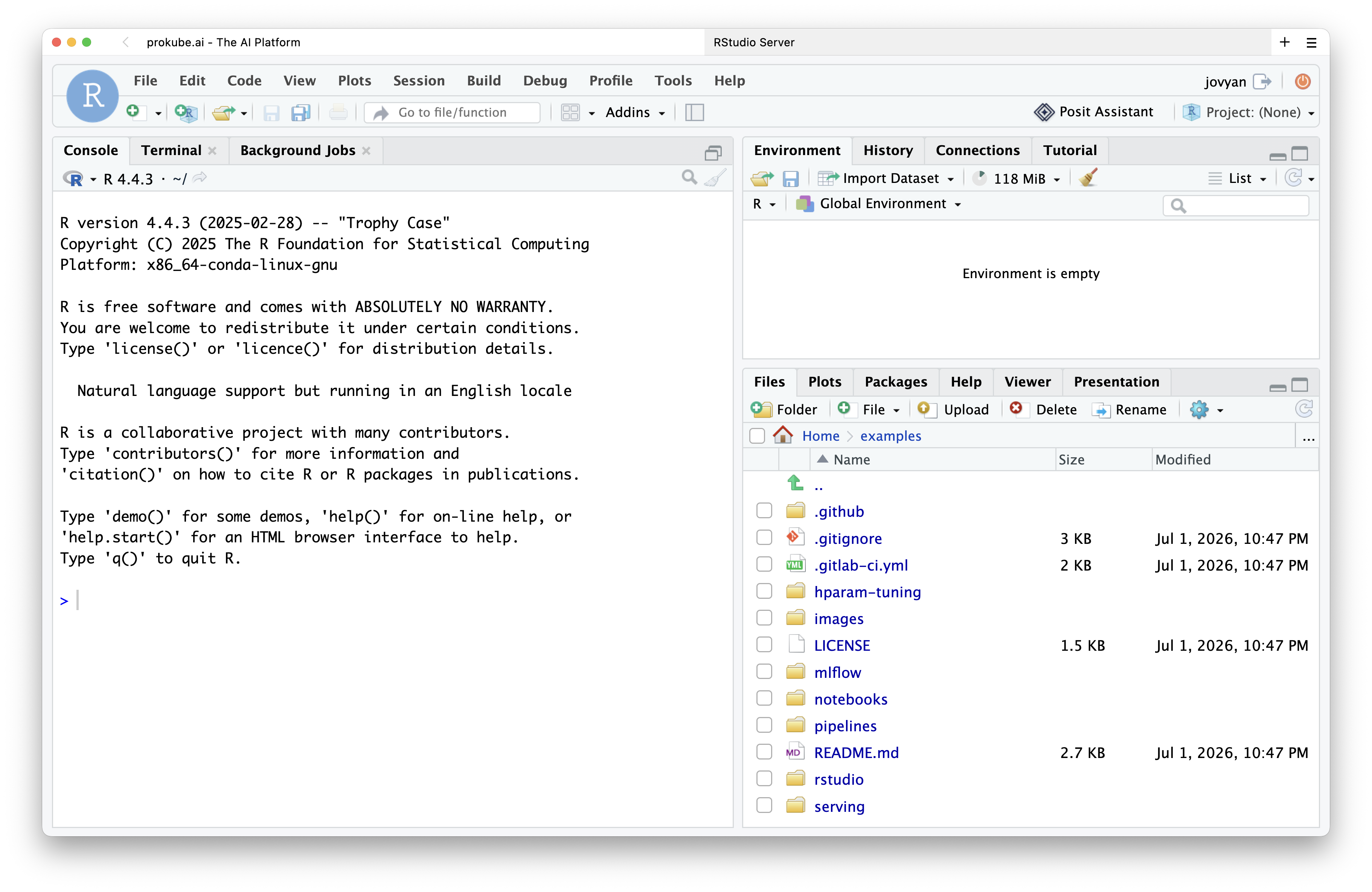
Common Uses
- Exploratory data analysis with R.
- Statistical modeling and visualization.
- R Markdown and report generation.
- Accessing workspace storage and platform services from R code.
RStudio uses the same persistence, file-storage, and image-building model as other Labs. See Using Labs for shared workspace, storage, package-installation, and BuildKit details.
For controlled R package stacks or additional system libraries, use a custom image. prokube can also support custom Lab solutions when the standard images do not fit your team's requirements.